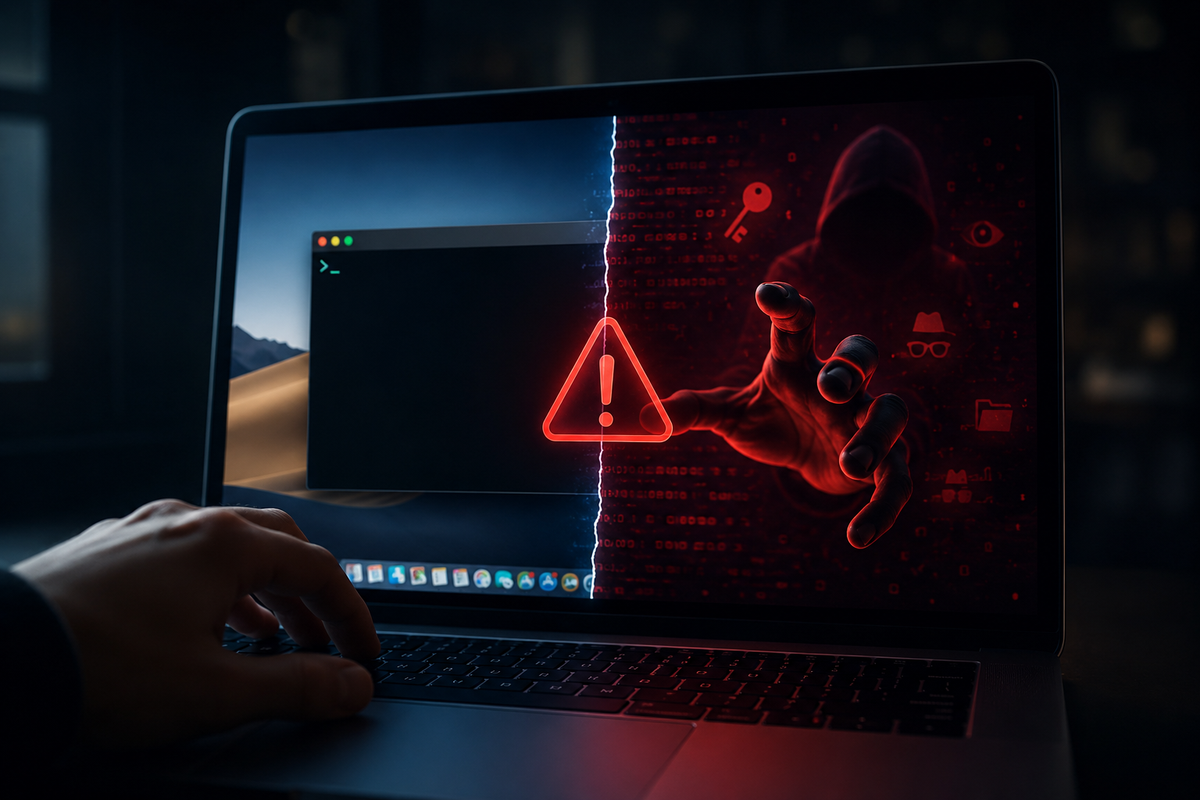
There's a new category of hack that's doesn't have to break into your computer's defense. It borrows you instead - your hands, your trust, your willingness to follow instructions when something feels urgent. The "copy-paste" scam targeting Mac users is exactly that, and it's spread is widely enough that Apple quietly shipped an OS-level fix for this, this spring.
So, here's how it works, why it's effective and the one habit that makes you immune.
The Setup
We are all familiar with the app called Terminal, which is shipped with the Mac, buried inside in Utilities. It lets you control the machine with typed text commands instead of clicks - powerful in the right hands, and completely foreign to most people who've never opened it. That unfamiliarity is the whole exploit.
The scammer's job is simple - to get you to paste one command into that window. The command does the real damage: it can hand the hacker remote access to your machine, quietly install a key logger that records everything you type, pull your files, emails, and financial data - or lock you out entirely and demand ransom. You'd likely never notice it happening.
Nothing here is a flaw of macOS. The security holds just fine. The scam routes around it by convincing you to disable your own defense, which is why it belongs to the family of social engineering attacks rather than technical ones.
Why it keeps working
The command reacher you through whatever channel you already trust. A fake tech-support email or text. A "fix" posted in a troubleshooting forum, maybe a Reddit thread, waiting for someone frustrated enough to paste it without even reading it. A convincing support webpage. Or maybe a live phone call where a calm voice dictates the command letter by letter while assuring you it's routine.
The newest vector is the interesting one though: Chatbots. AI assistants trained on the open web can scoop up a malicious command someone planted online and recommend it as a legitimate troubleshooting step - a technique called indirect prompt injection. The scammer never has to contact you at all. They just poison the well and wait for the model to serve it up.
What Apple did about it
With macOS 26.4, released this spring, Apple built a speed bump or say a precautionary measure directly into the Terminal. If you're not a regular Terminal user and you paste a command copied from a website, chatbot, or a messaging app. You now get a "possible malware, paste blocked" warning before anything runs. If the system recognizes the command or script as outright malicious, it blocks it entirely.
The fix isn't clever detection - it's friction. The entire scam depends on you moving fast and not thinking whatsoever. A single interruption that forces you to pause is often enough to break the spell casted by these hackers.
The takeaway
It is a straightforward principle, and it does not demand that you understand anything about the language that the code is written in: do not enter any command in the Terminal if you have no idea what it does, even if a support technician assured you it was safe, or a community voted for it, or an artificial intelligence suggested it.
Think of the very fact of being under pressure to hurry up as the warning sign. Every message telling you that you should do something immediately is trying to take advantage of the condition of mind that makes you copy commands without thinking.